

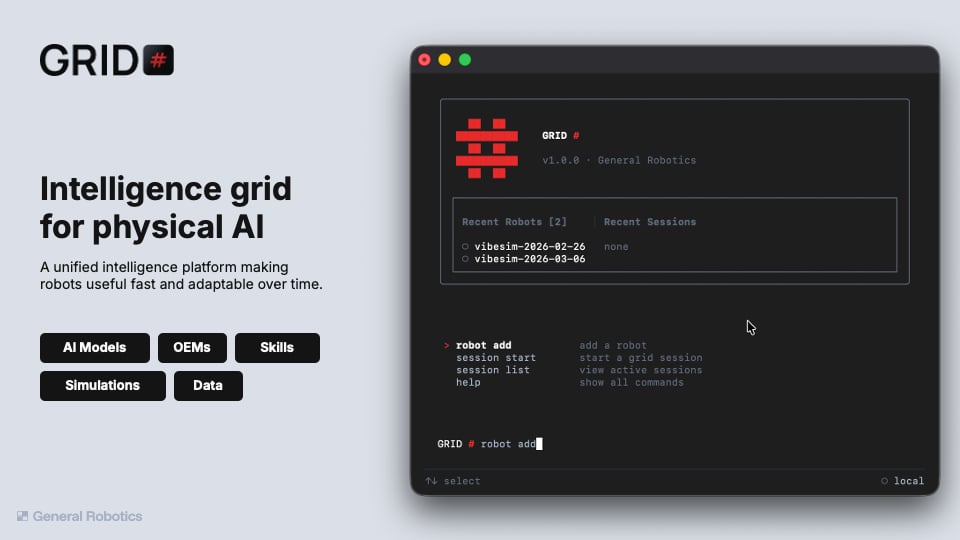
Install GRID
One command to the whole platform — from zero to a running session in
ten minutes.
Write your first skill
Drive your live robot from a generated notebook — state, motion,
cameras, and cloud AI in plain Python.
Try a simulator session — no robot required
Spin up a GPU-backed Isaac Sim scene in the cloud and drive a robot
from a notebook, before any hardware is involved.
GRID runs on Apple Silicon macOS and Linux (Windows via WSL for now). You’ll
need access to your organization’s GRID cluster to open sessions. A physical
robot is only needed for the real-robot paths — the simulator path needs none.
What you can do with the GRID CLI
Everything below runs from the one GRID CLI:Connect your robots
Onboard robots to your organization’s cluster with
robot add — once
connected, every teammate can open a session against them.Build and test in simulation
Start cloud simulator sessions on NVIDIA Isaac Sim or AirGen from the CLI —
a GPU-backed 3D scene with your robot, open in the browser in minutes.
Build and test with a real robot
Develop in a VS Code workspace wired to the live robot: state, motion,
cameras, and cloud AI calls from a notebook, no environment setup.
Look up what your robot can do
One robot interface across physical machines, AirGen, and Isaac — the same
standUp() and getImage() everywhere.Call AI models on your robot’s data
GRID Cortex hosts detection, depth, segmentation, grasping, VLMs, and VLA policies behind one Python call — no GPUs to manage:CortexClient() reads your GRID_CORTEX_API_KEY from the environment —
inside GRID session workspaces it’s already configured. Browse the full
hosted catalog under Models, or the client reference
under API Reference.
Stay in the loop
Community
Questions, bugs, or robots doing something great? Join the Discord.
Blog
Research and product updates from General Robotics.