

Parameters
ImageInput
required
RGB image as file path, URL, PIL Image, or numpy array.
float | None
Optional timeout in seconds for the HTTP request.
Optional[Union[str, Sequence[str]]]
Keyword-only. Optional selection of maps to return —
"depth", "normals", or a non-empty subset of both. None (default) returns both. Requesting only what you need shrinks the response payload (normals are 3x the size of depth).Returns
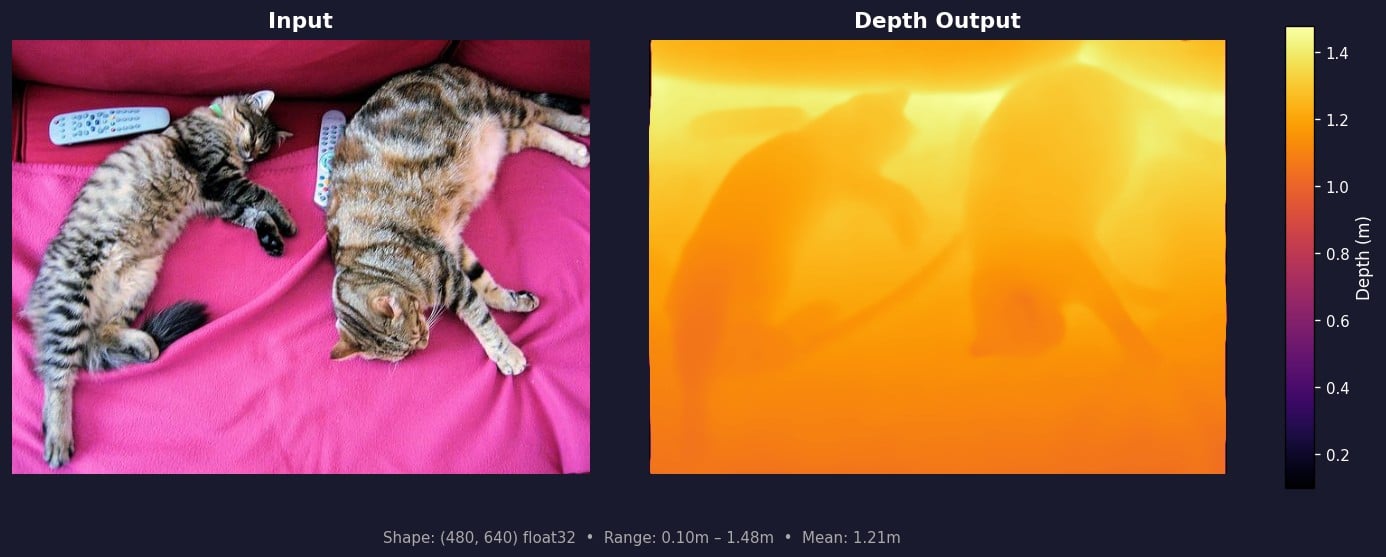
Dict with the requested subset of:"depth": (H, W) float32 array, metric depth in metres."normals": (H, W, 3) float32 array, unit surface normals.
Example
Example Output
Depth
Surface Normals
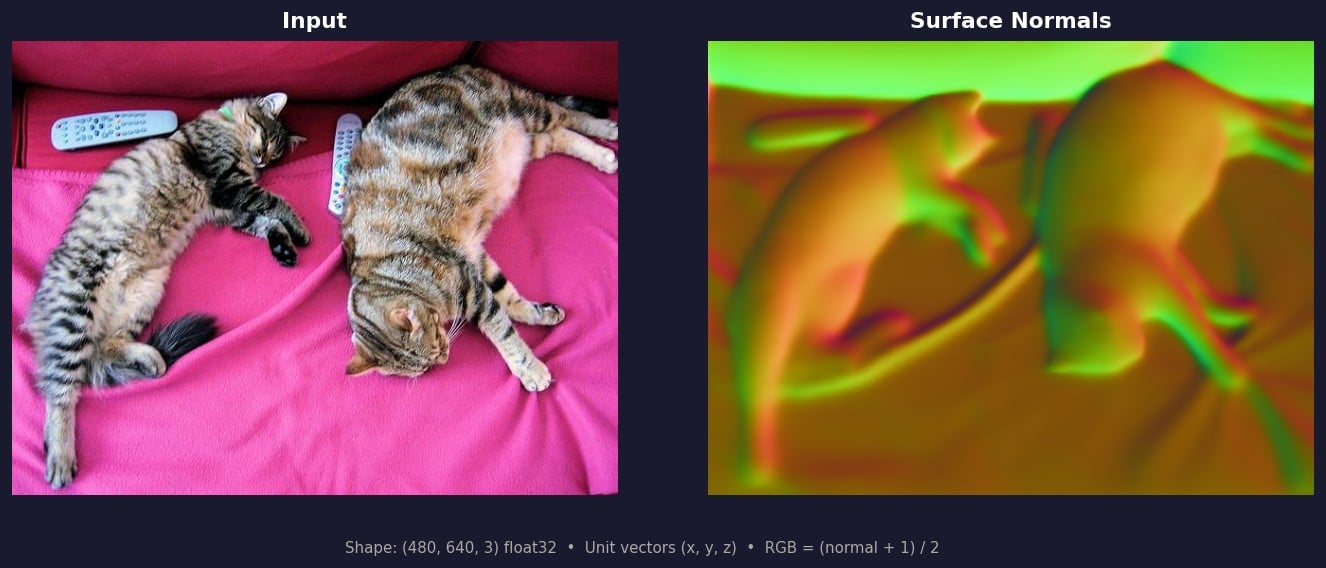
(x, y, z). In the RGB visualization, each channel maps to an axis: red = +x (right), green = +y (down), blue = +z (away from camera). Flat surfaces appear as uniform color; edges and curves show color transitions. Normals are mapped to RGB as (normal + 1) / 2 * 255 for display.